Leave detailed Google Review
Incentivize customers to post Google Maps reviews and upload screenshots to boost ratings and local discovery.
- Leave a Google Review**How to complete this quest:** * Follow the link to the to our restaurant's Google Maps page! * Leave a detailed review (15+ words) and take a screenshot like the one you see below! * Upload the screenshot here and claim the quest!

Drive authentic, high-quality Google Maps reviews by guiding customers to leave a 15+ word review, take a screenshot, and upload it to claim rewards. This ready-to-deploy template streamlines verification and incentives to increase review volume, raise average ratings, and improve local search discoverability—turning satisfied visitors into measurable social proof that attracts new customers.

Automations for every community
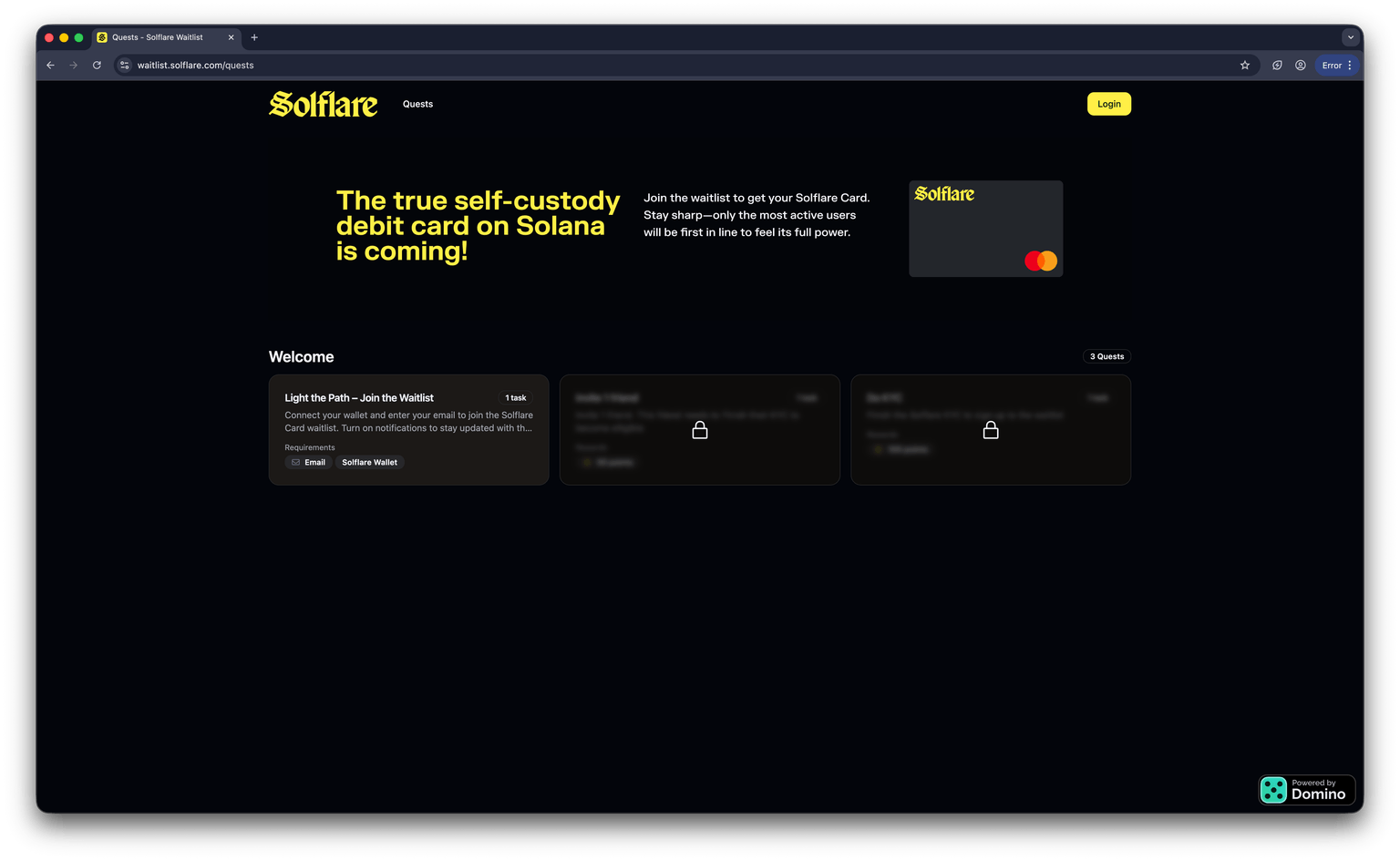
Custom Quest Portal in Minutes
Transform your community into an active, thriving ecosystem with custom-designed quests that go beyond simple tasks. Whether you're looking to increase social media presence, grow your user base, or educate your community about your protocol, these automated quests provide the perfect solution.
Join over 50+ startups growing with Domino
Get started with pre-built quests or build your own with our powerful no-code platform.